Sell used cooking oil (TNG eWallet)
Arus Oil (TNG eWallet)
2.0 ★ · 8 reviews on GoogleView on Google Maps ›
Sell used cooking oil (5kg+) with pickup; paid to your TNG eWallet.
- Collect at least 5kg of used cooking oil.
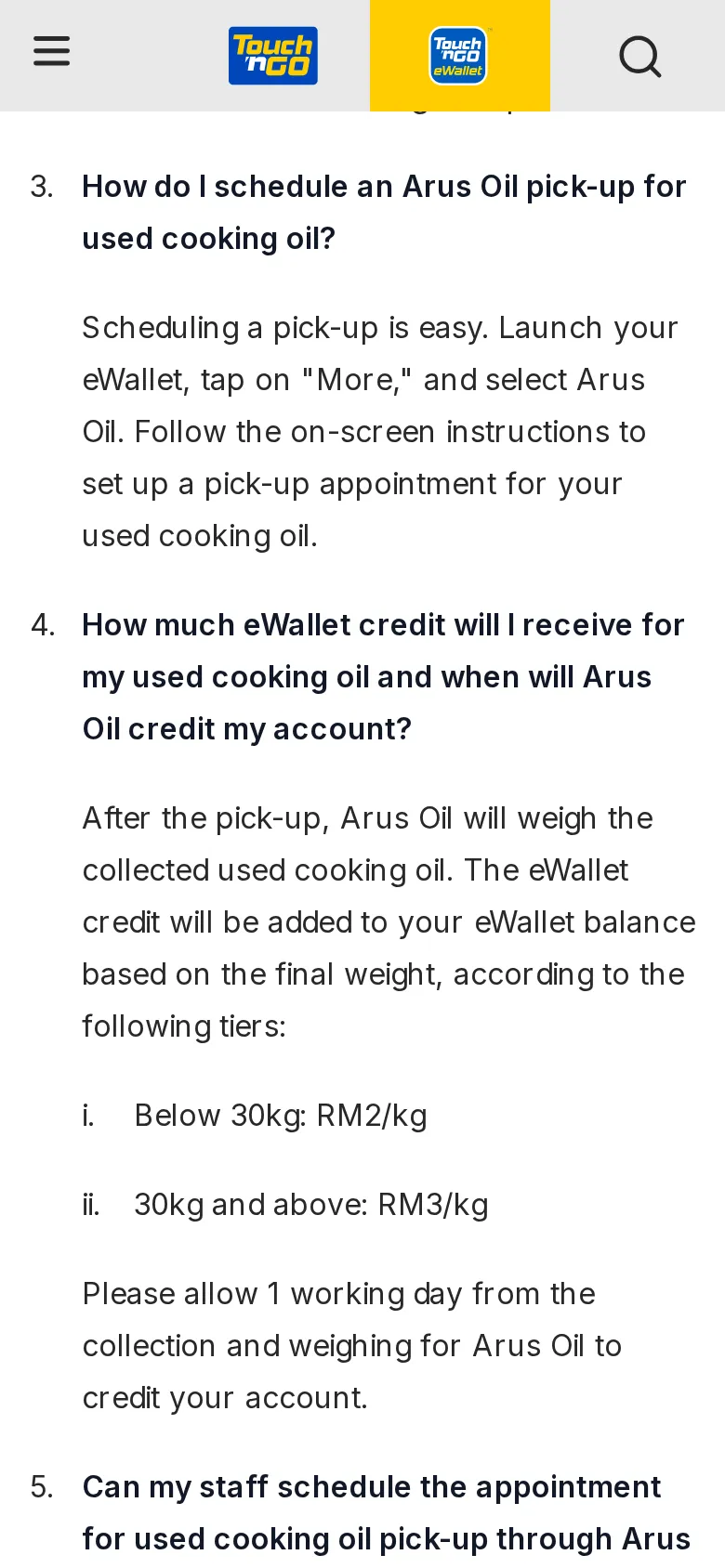
- In TNG eWallet: More → Arus Oil, and schedule a pickup.
- Rate: RM2/kg (under 30kg), RM3/kg (30kg+). Credited to your eWallet within 1 working day after weighing.
Checked 15 Oct 2026
Step-by-step screenshots


Questions
What is Sell used cooking oil (TNG eWallet)?
Arus Oil (TNG eWallet): Sell used cooking oil (5kg+) with pickup; paid to your TNG eWallet.
How do I get started with Arus Oil (TNG eWallet)?
Follow the 3 steps on this page. Step 1: Collect at least 5kg of used cooking oil.
When was this information checked?
Checked on 15 Oct 2026 against the provider's official page.