Semak Kasih (late family policies)
Step-by-step screenshots

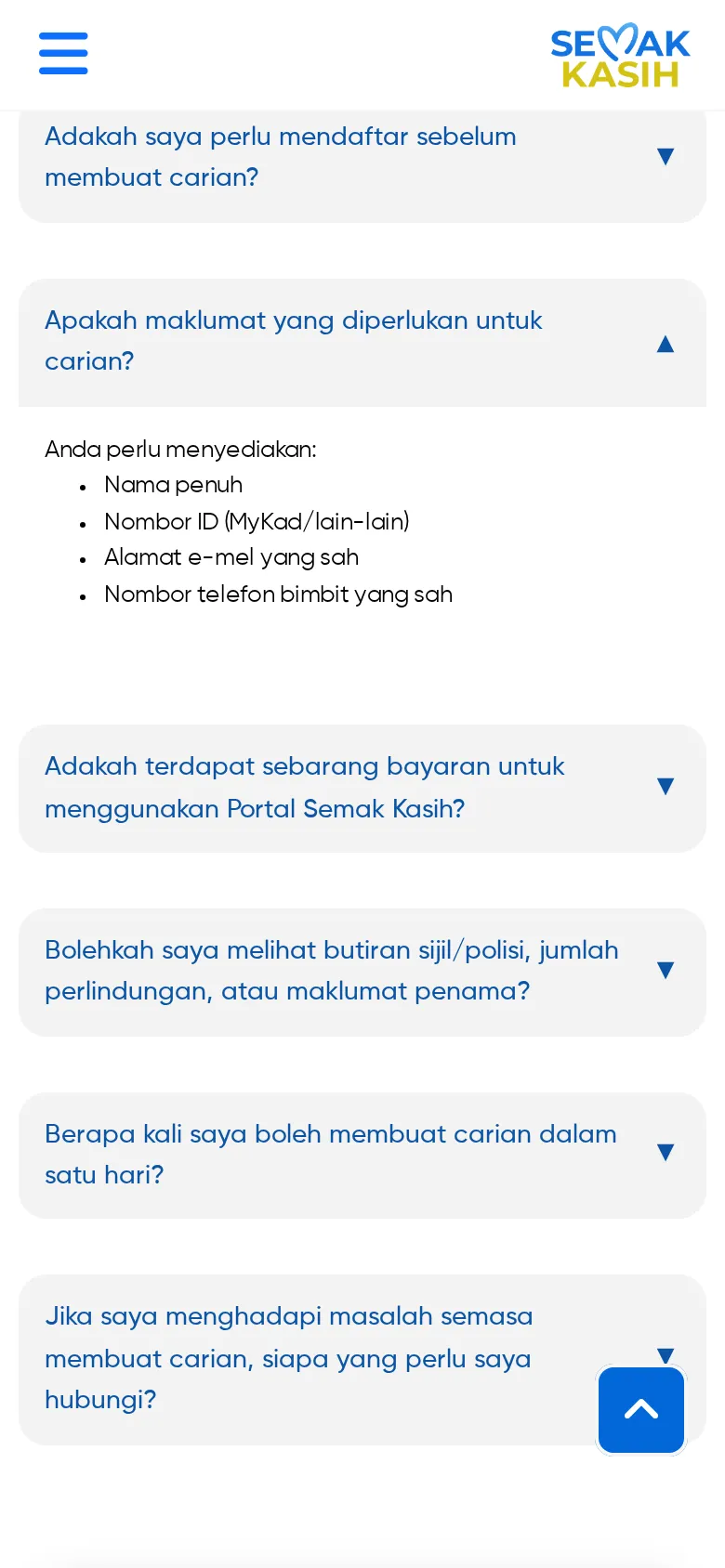
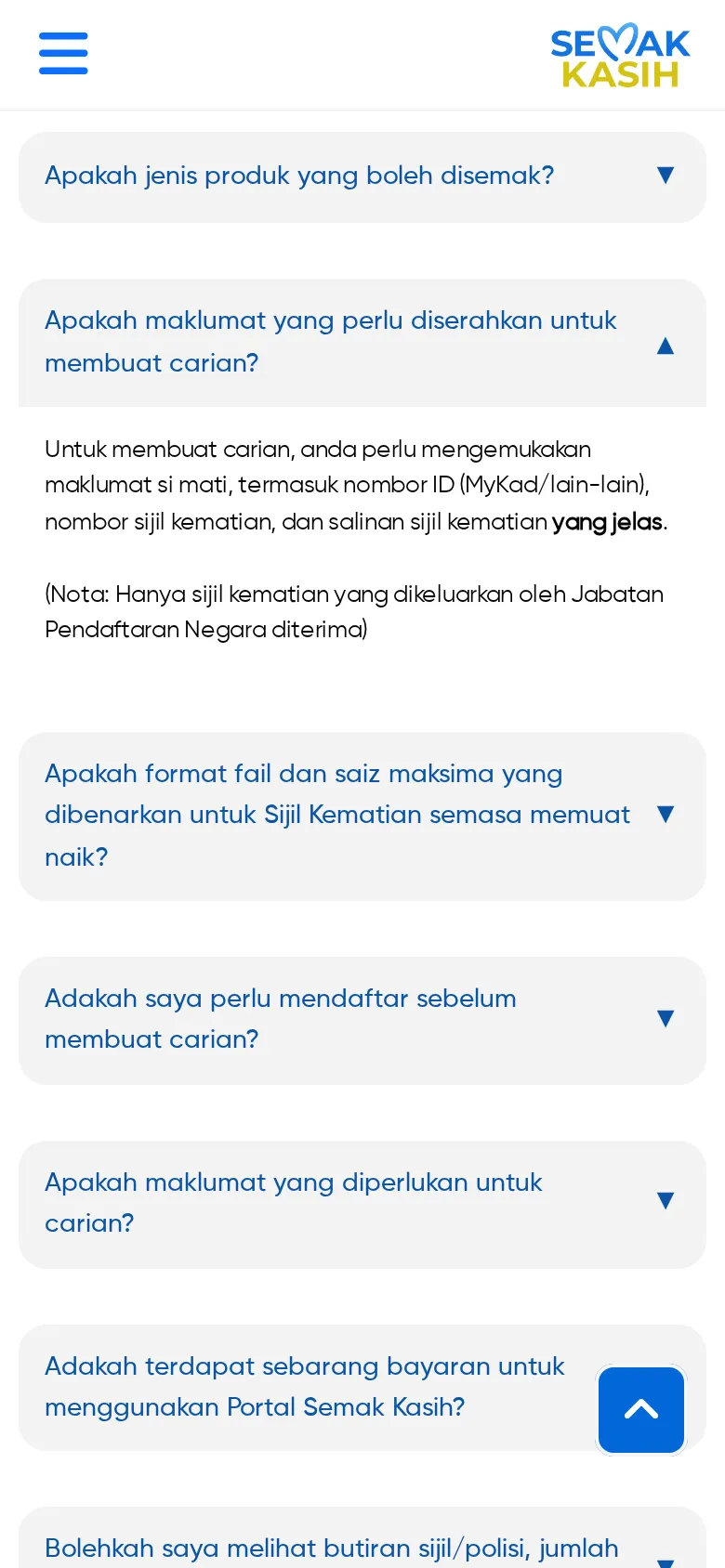
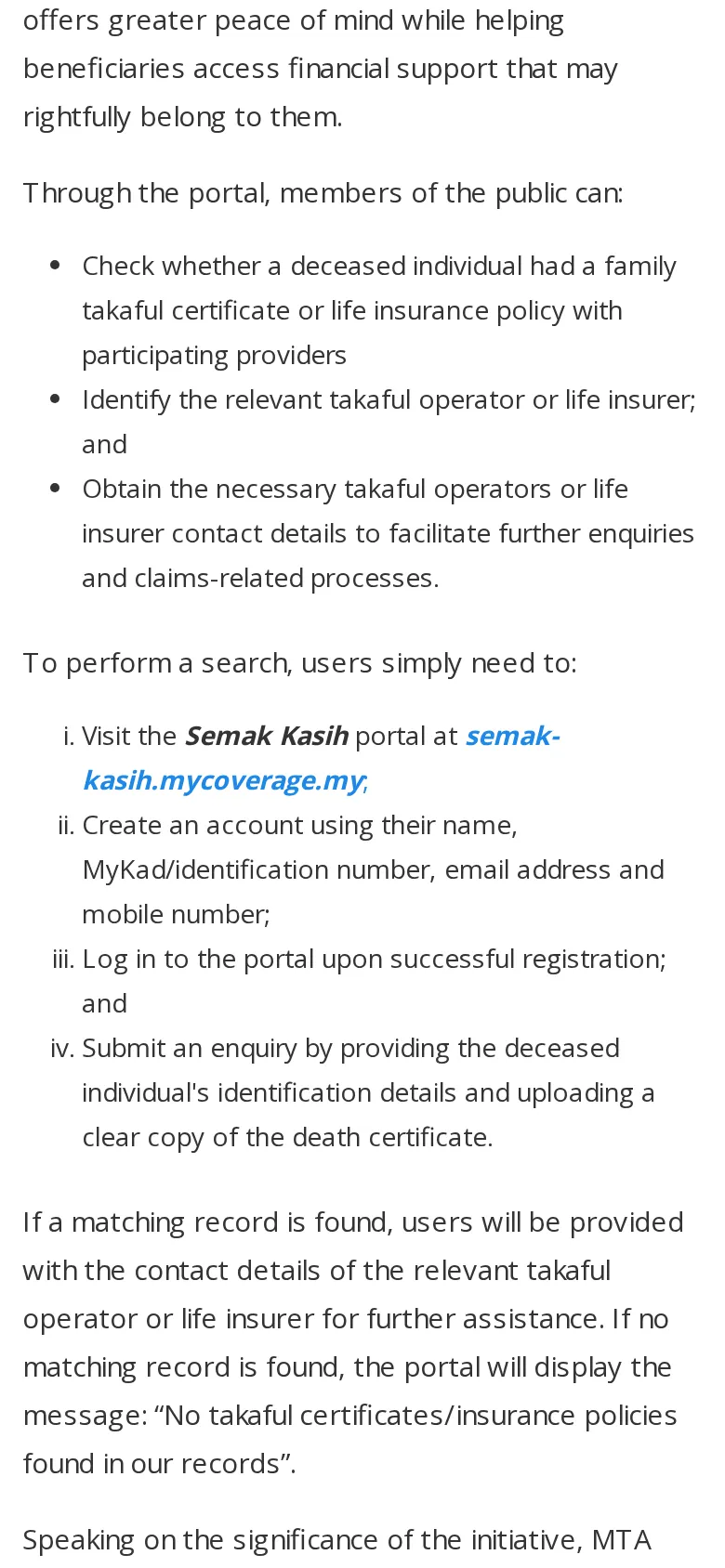
Semak Kasih (LIAM & MTA)
Check if a late family member had unclaimed life insurance / family takaful. Free.
- Visit semak-kasih.mycoverage.my.
- Register with name, MyKad number, email and mobile number.
- Log in and submit an enquiry with the deceased's ID details and a clear copy of the death certificate.
- If a record is found, contact the insurer/takaful operator shown to claim.
Checked 14 Oct 2026
Questions
What is Semak Kasih (late family policies)?
Semak Kasih (LIAM & MTA): Check if a late family member had unclaimed life insurance / family takaful. Free.
How do I get started with Semak Kasih (LIAM & MTA)?
1. Visit semak-kasih.mycoverage.my. 2. Register with name, MyKad number, email and mobile number. 3. Log in and submit an enquiry with the deceased's ID details and a clear copy of the death certificate. 4. If a record is found, contact the insurer/takaful operator shown to claim.
When was this information checked?
Checked on 14 Oct 2026 against the provider's official page.