EPF nominee & accounts
KWSP – Penamaan
4.2 ★ · 2,261 reviews on GoogleView on Google Maps ›
Google rating for: EPF headquarters (Menara KWSP, Jalan Raja Laut, KL)
Name a nominee so your EPF savings reach your heirs quickly.
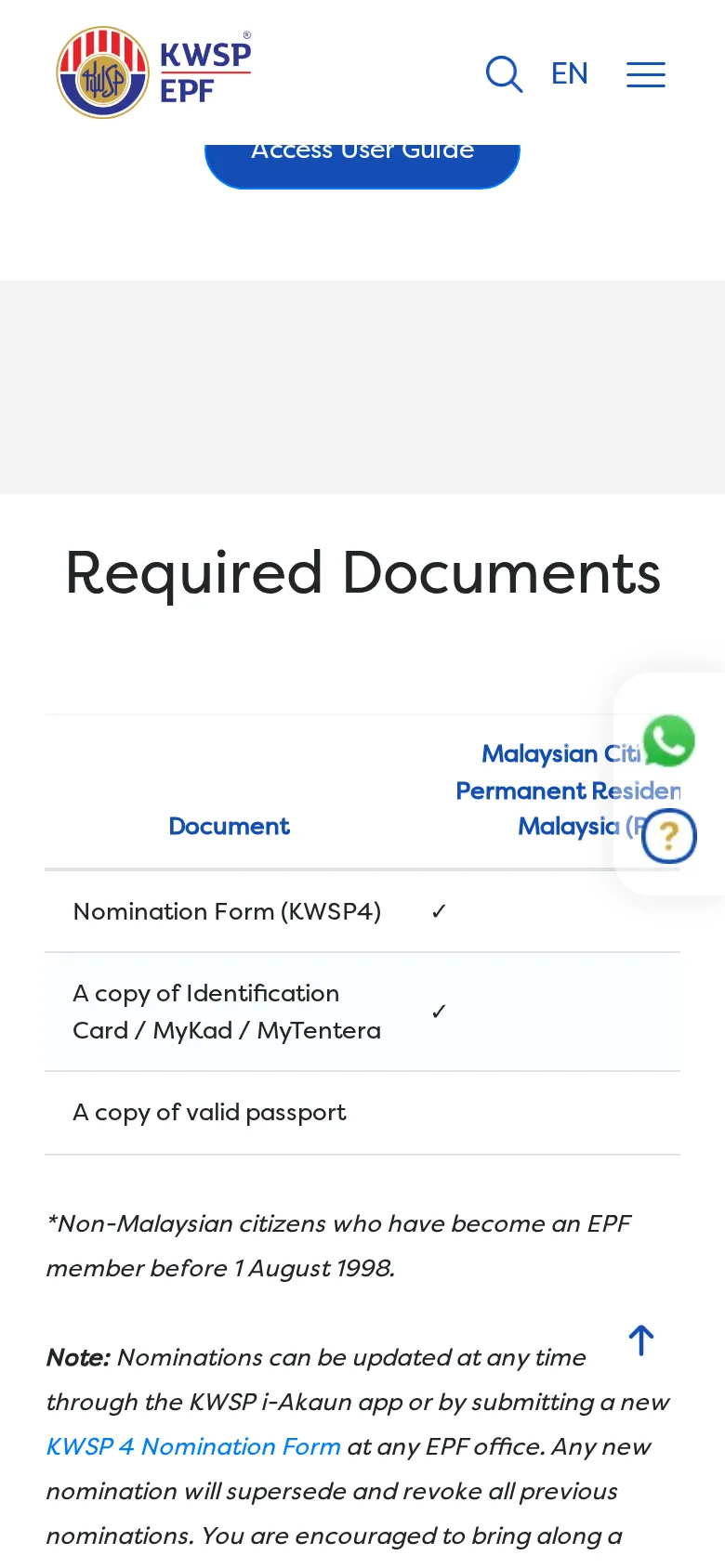
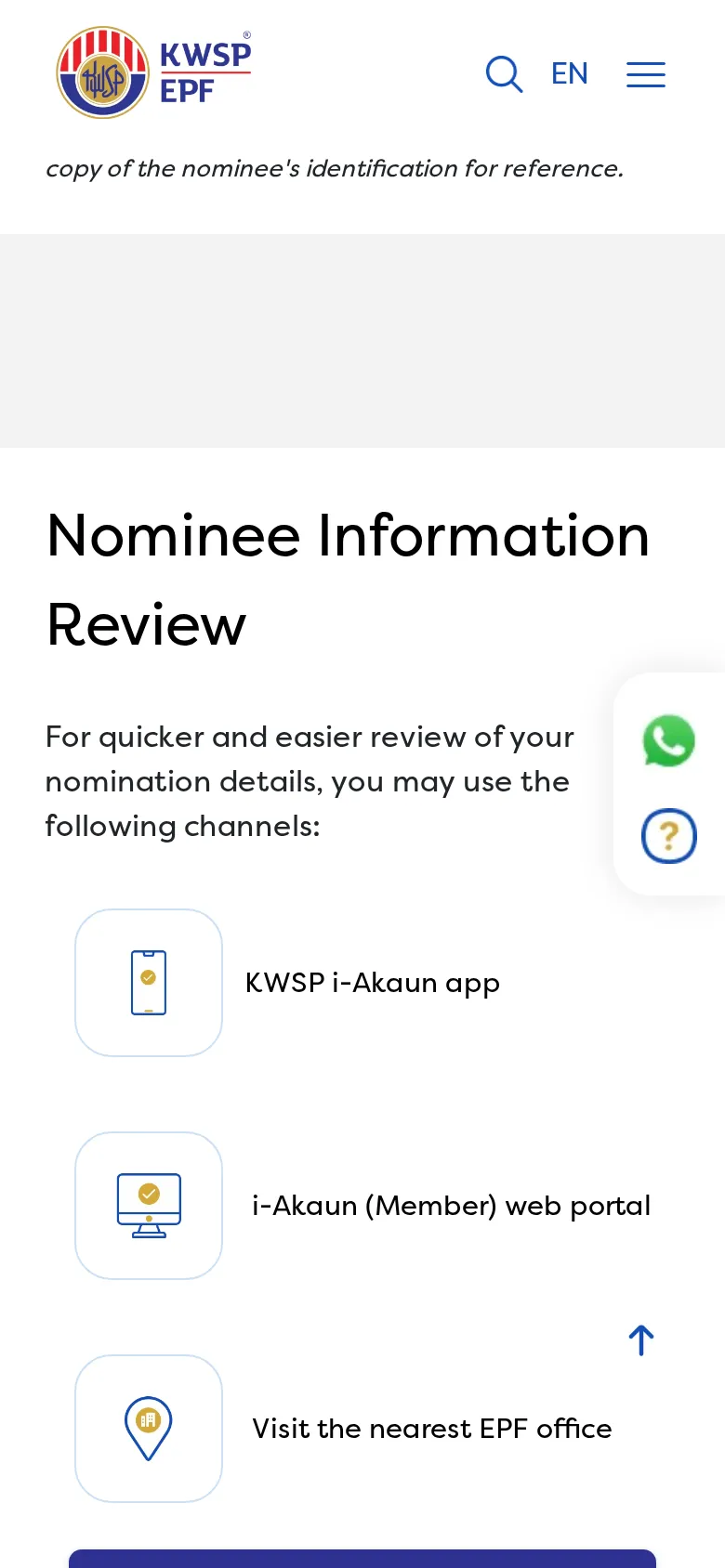
- Make or update a nomination in the KWSP i-Akaun app (e-KYC, no office visit), the i-Akaun portal, or Form KWSP 4 at an EPF office.
- Check your nominee details in i-Akaun or at an EPF office.
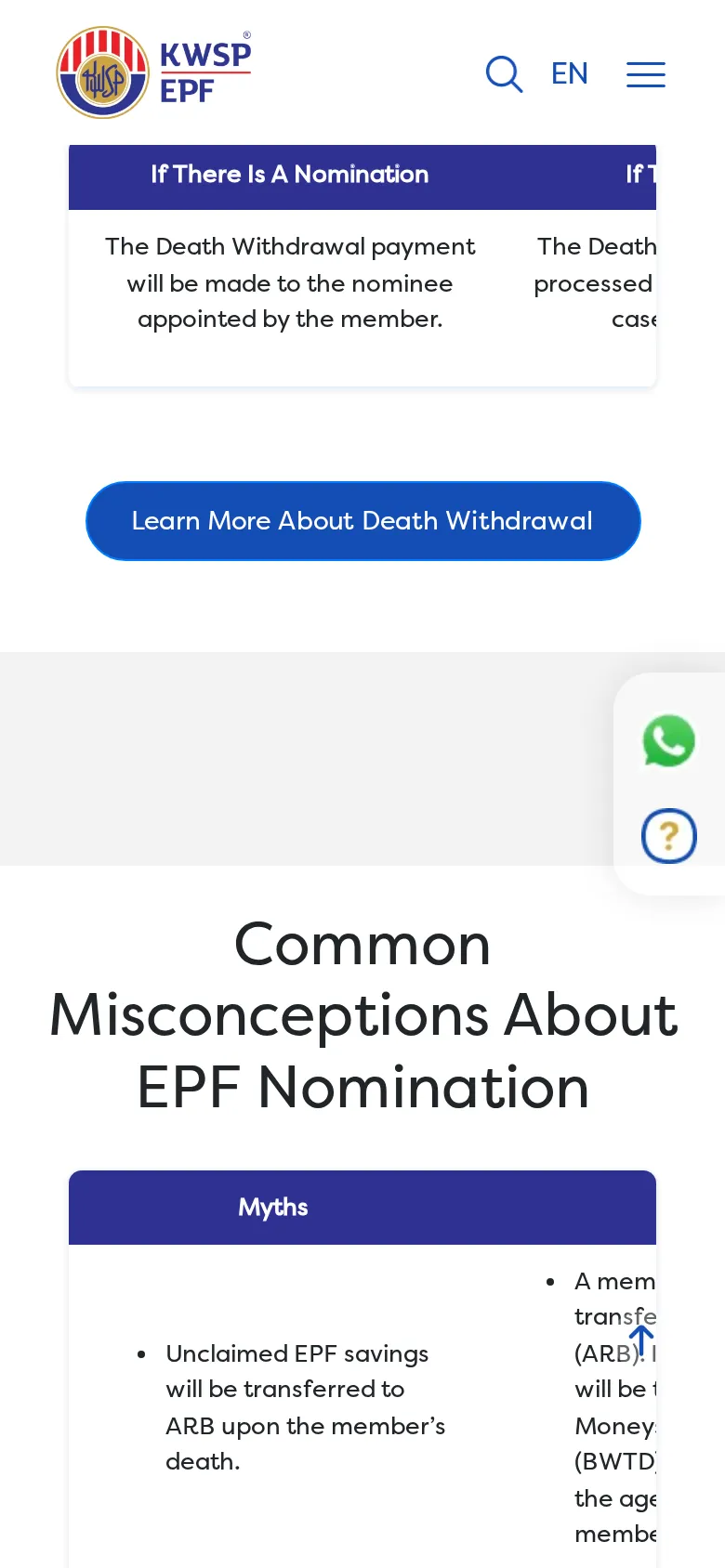
- Heirs of a deceased member can claim at any time; savings are not transferred to Amanah Raya.
Checked 15 Oct 2026
Step-by-step screenshots

Questions
What is EPF nominee & accounts?
KWSP – Penamaan: Name a nominee so your EPF savings reach your heirs quickly.
How do I get started with KWSP – Penamaan?
Follow the 3 steps on this page. Step 1: Make or update a nomination in the KWSP i-Akaun app (e-KYC, no office visit), the i-Akaun portal, or Form KWSP 4 at an EPF office.
When was this information checked?
Checked on 15 Oct 2026 against the provider's official page.